

DESIGNED FOR TESLA
A Tesla dashboard.
On your iPhone.
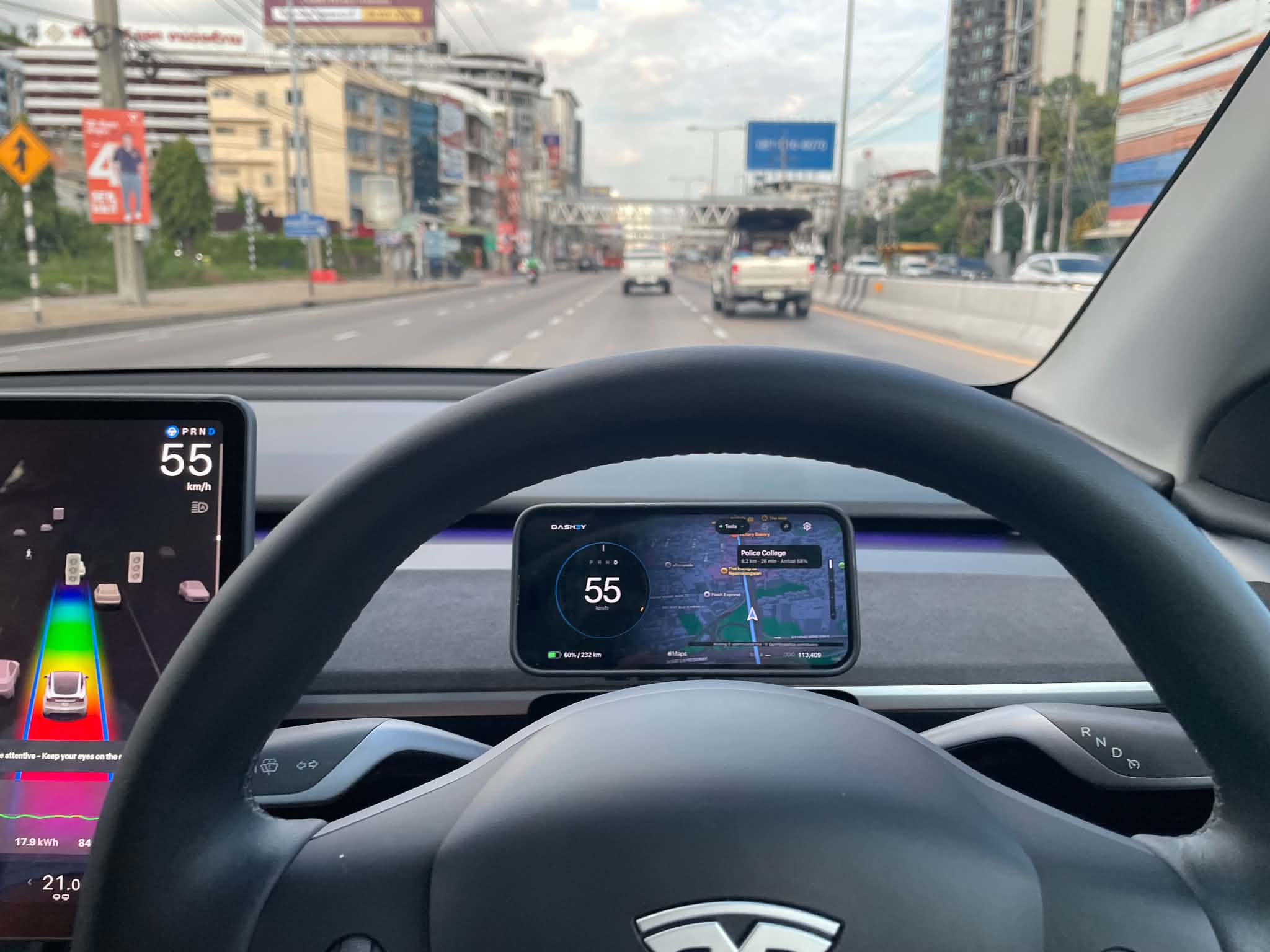
DASH3Y is a Tesla dashboard app for iPhone. See your speed and battery at a glance.
Connect over Bluetooth, with speed camera alerts along the way.

 Let’s go together
Data from your TeslaConnected over Bluetooth
Make it yoursChoose your theme, colors, and cards
Ready for the driveNavigation, camera alerts, and trip logs
01 / YOUR DASHBOARD
Choose what you see.
Make it your own.
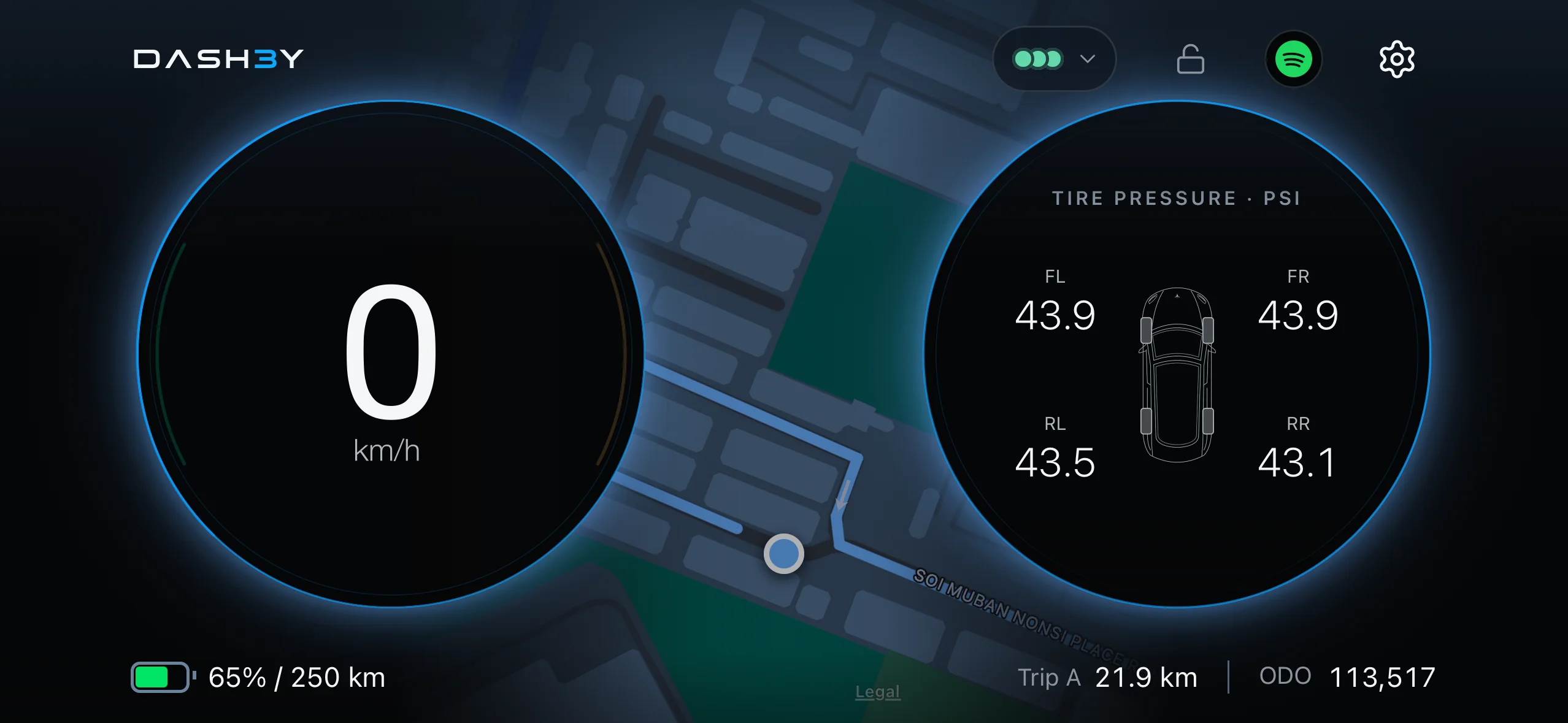
Speed, battery, remaining range, and tire pressure.
Choose the cards and theme that suit you,
in portrait or landscape.
02 / DIRECT CONNECTION
From your Tesla.
To your iPhone.
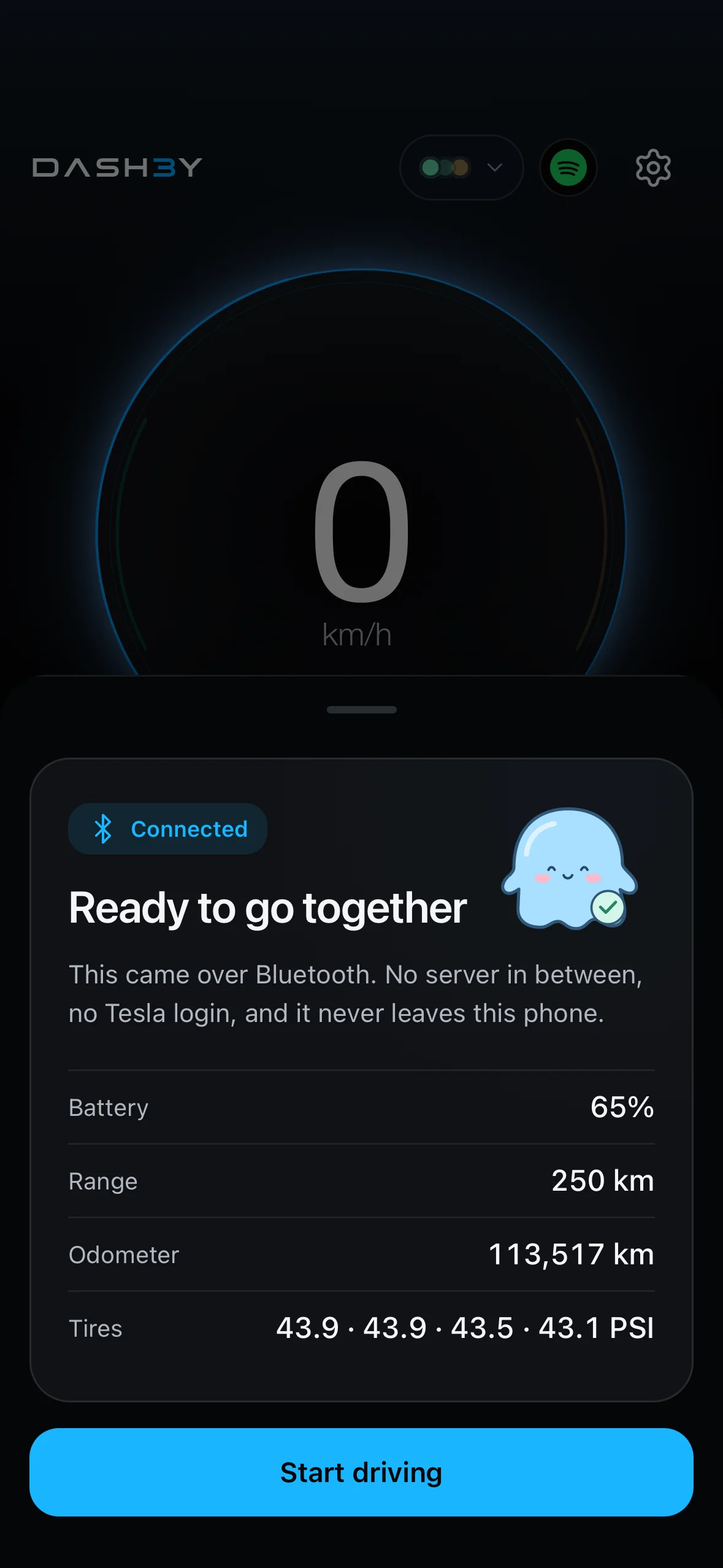
Pair DASH3Y with a compatible Tesla
to see vehicle data over Bluetooth, without signing in to a Tesla account.
- Speed directly from your vehicle
- Battery level and remaining range
- Odometer and tire pressure, where supported
Your phone must be within Bluetooth range. Available readings depend on your vehicle and the data it provides.
Your driving information, close at hand
03 / SPEED CAMERAS
See speed cameras.
Get alerts ahead.

See speed camera locations on the map
and receive an alert as you approach.

04 / AFTER THE DRIVE
Every drive,
ready to look back on.
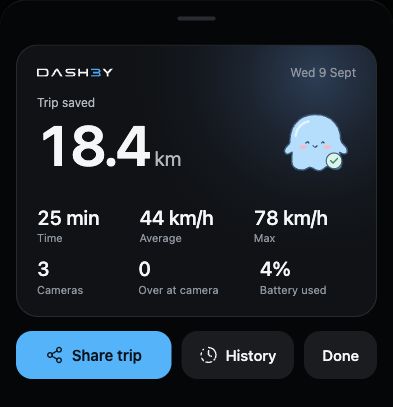
Look back at your distance, duration, and recorded route.
Keep it on your phone or share a trip summary.
Your trips and routes stay on your phone
BEFORE YOUR FIRST DRIVE
A few things to know.
What is DASH3Y?
DASH3Y is an iPhone app that adds an extra dashboard to your Tesla. View speed, battery and vehicle data, with speed camera alerts and trip recording.
Do I need a Tesla account to connect?
No. DASH3Y connects directly to compatible vehicles over Bluetooth without a Tesla account sign-in. Your phone must stay within Bluetooth range. Available readings depend on your vehicle and the data it provides.
How do speed camera alerts work?
DASH3Y shows camera locations on the map and alerts you as you approach cameras in the database. Choose a sound and alert distance, or let the distance adjust to your speed. Coverage is not complete; follow road signs and posted speed limits.
Can I use DASH3Y as an iPhone GPS speedometer without a Tesla?
Yes. GPS mode uses your iPhone to display speed, provide camera alerts and record trips. Vehicle readings such as battery level and tire pressure are not available in this mode.
When can I download DASH3Y?
DASH3Y is coming soon to iPhone. A release date, price and download link have not been announced. Join the email waitlist at the bottom of this page for launch updates.

YOUR LITTLE TESLA COMPANION
Coming soon.
Ready to ride along.